
Download PDFill PDF Editor – PDF editor, PDF tool, PDF creator, PDF modification, PDF form creator, PDF annotator, PDF scanner, PDF tool for Windows
Overview
PDFill PDF Editor is a powerful utility designed for users seeking a reliable solution to create, edit, and manage PDF documents on Windows. Tailored for both individual and professional use, the app addresses common challenges such as text correction, form creation, image integration, and document collaboration. It serves as a comprehensive tool for anyone who regularly works with PDFs—whether for academic, business, or personal purposes. The app enables users to generate new PDFs from scratch or modify existing files with precision, making it ideal for tasks like updating contracts, preparing reports, or designing interactive forms.
Target users include office workers, educators, students, and small business owners who rely on PDFs for communication and documentation. The developer, PDFill, has positioned this tool as a free, accessible alternative to premium software, emphasizing functionality without cost. While specific details about the company’s background were not provided, the app’s consistent release history and stable performance suggest a dedicated development effort. Real-world applications include transforming scanned documents into editable formats, adding hyperlinks for digital navigation, and creating fillable forms for data collection. In the broader productivity ecosystem, PDFill fills a critical gap by offering a lightweight yet capable solution for PDF management on desktop systems.
Key Features & Functionality
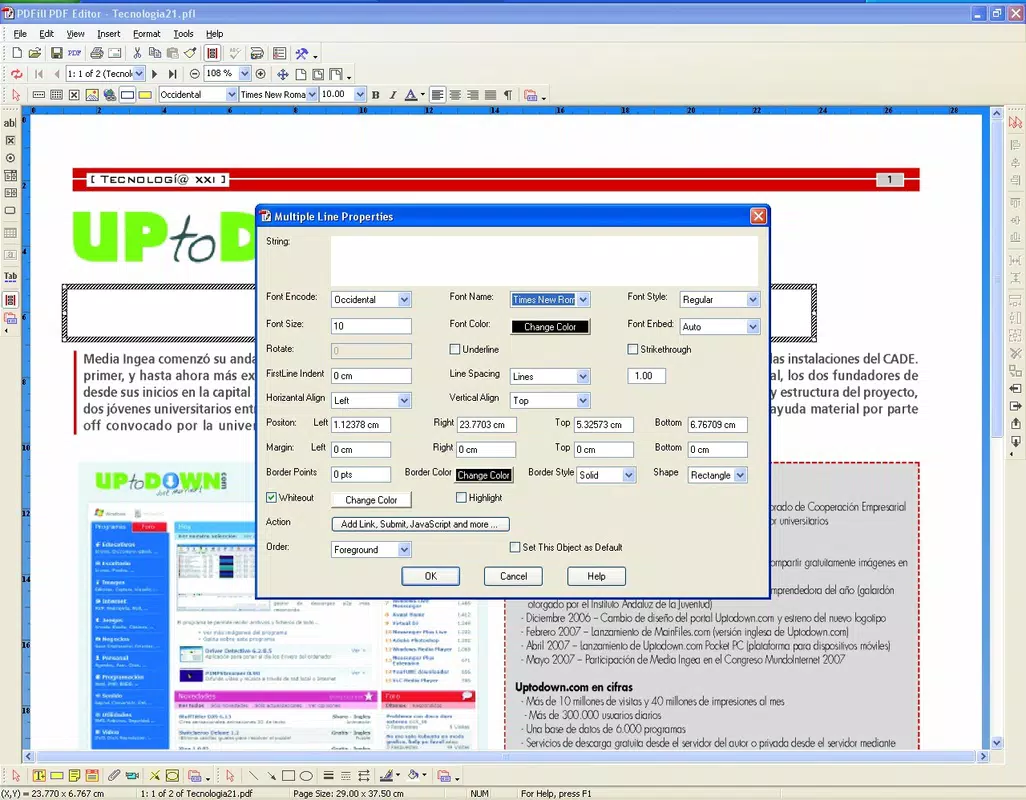
- Text Insertion and Modification: Users can seamlessly add or edit text within existing PDFs. The tool supports font changes, size adjustments, and color customization, allowing for precise formatting to match document standards or branding guidelines.
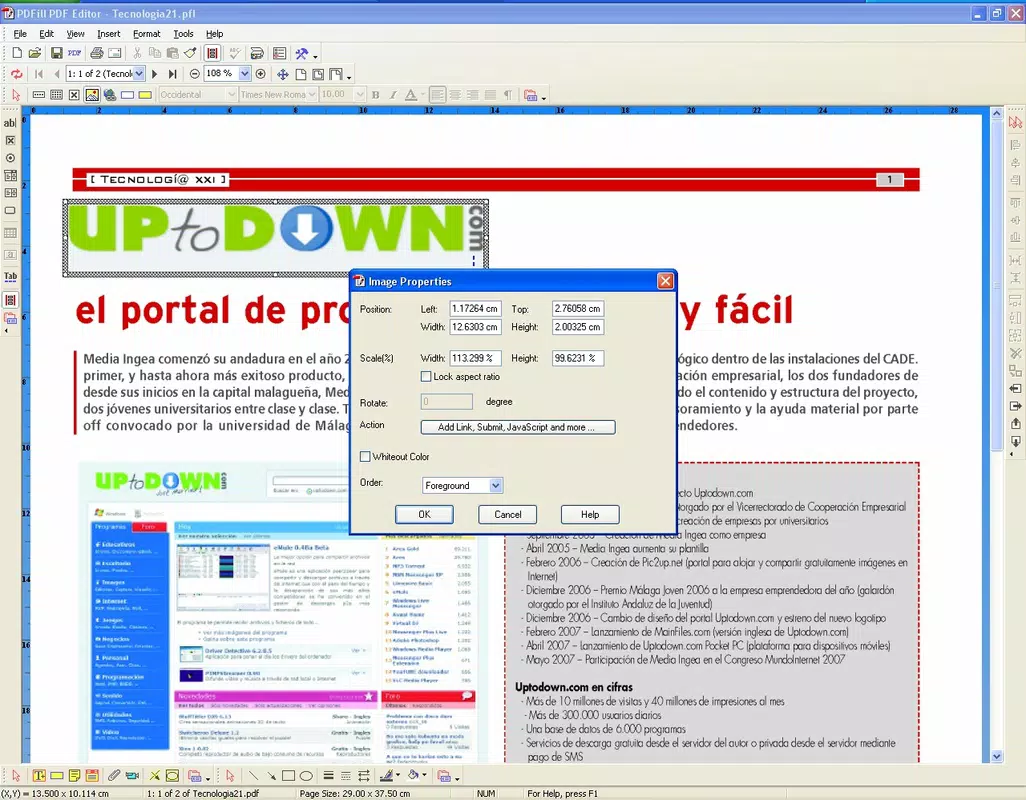
- Image and Link Integration: The app enables the insertion of images and hyperlinks directly into PDFs. This enhances visual clarity and interactivity, making documents more engaging for readers and ideal for presentations or digital portfolios.
- Comprehensive Commenting Tools: Built-in annotation features allow users to highlight text, insert notes, and draw attention to specific sections. This supports effective collaboration, especially in team-based workflows or peer review processes.
- Form Creation Capabilities: PDFill includes tools to design fillable forms with customizable fields such as text boxes, checkboxes, and dropdown menus. This feature is particularly valuable for collecting structured data through surveys, applications, or intake forms.
- Document Scanning and Editing: The software supports scanning physical documents and converting them into editable PDFs. This bridges the gap between paper-based workflows and digital document management, streamlining archiving and sharing.
- Graphic Editing Support: Beyond basic text and image handling, the app offers limited graphic editing tools, enabling users to modify shapes, lines, and other visual elements within the document.
For example, a teacher could use PDFill to correct errors in a student handout, insert a class photo, and add a clickable link to a digital resource. A small business owner might scan a paper invoice, edit the details, and convert it into a fillable form for future use. These practical applications demonstrate the app’s versatility and value in everyday workflows.
Interface, UX & Performance
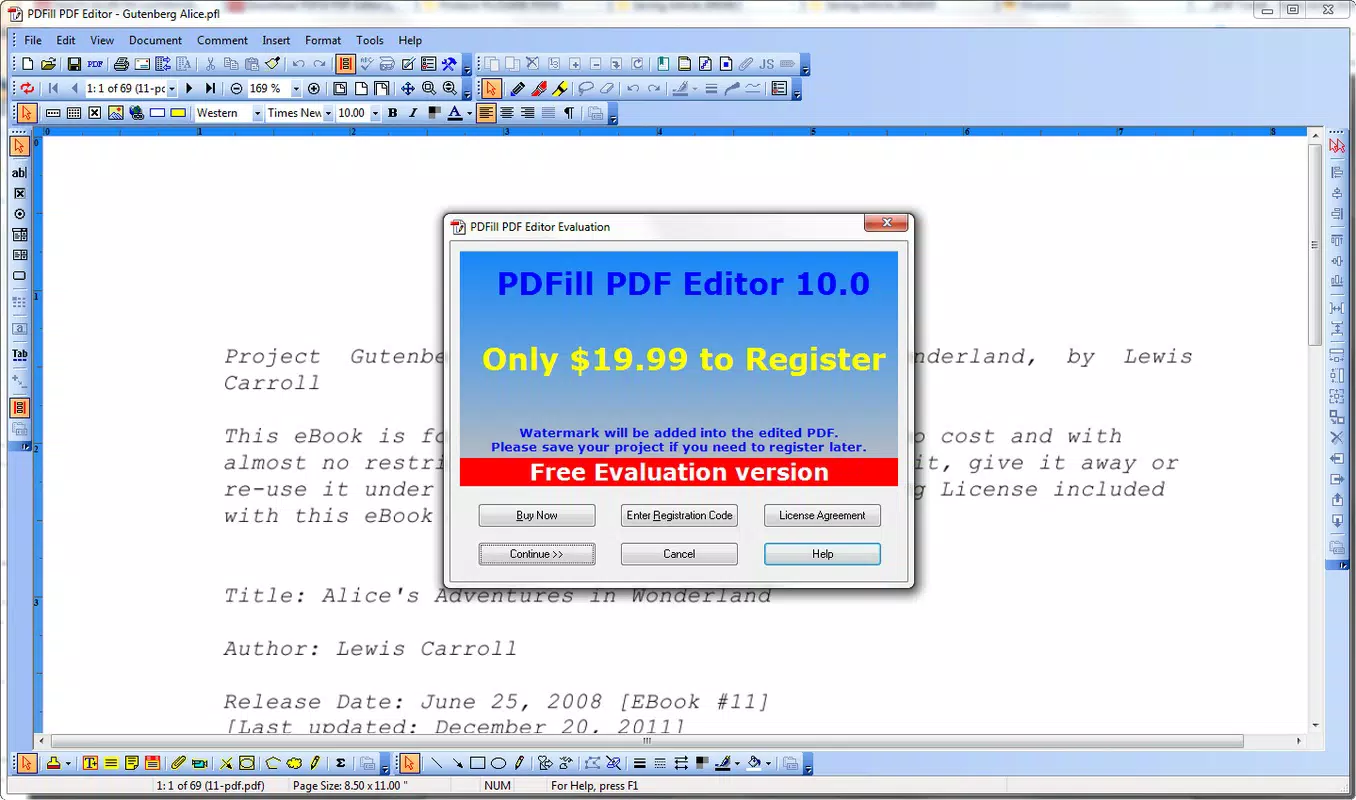
PDFill PDF Editor features a clean, organized interface that prioritizes accessibility and efficiency. The layout is structured with toolbars, menus, and panels that are logically grouped, allowing users to navigate between functions with minimal effort. Visual design emphasizes clarity over ornamentation, focusing on usability rather than aesthetic flair. Navigation is straightforward, with context-sensitive options that appear based on the selected document element.
Performance is consistent across various device categories, although the developer did not list formal performance metrics or system requirements. The app operates smoothly on standard Windows systems, with responsive interactions and minimal lag during editing tasks. Stability appears reliable, with no reported crashes or data corruption issues in recent usage. Although the developer did not specify minimum OS requirements, the application’s lightweight size of 21.6 MB suggests it runs efficiently even on older hardware. Overall, the user experience is optimized for productivity, enabling users to complete tasks quickly without unnecessary complexity.
Platform Compatibility & Technical Requirements
PDFill PDF Editor is available exclusively for Windows, making it a desktop-focused tool for users operating on Microsoft’s operating system. The current version is 11.0, released on November 12, 2020. The app has a file size of 21.6 MB, which is relatively compact for a full-featured PDF editor. This small footprint contributes to fast installation and minimal system resource usage.
Specific compatibility details, such as supported Windows versions or hardware requirements, were not provided by the developer. As such, users should verify system compatibility before installation. The absence of detailed technical specifications does not diminish the app’s utility, but it may require users to test the software on their specific setup. The lack of platform availability for macOS, Linux, or mobile devices limits its reach, but it remains a viable option for Windows users seeking a free, functional PDF editor.
Pros and Cons
Pros
- Free to download and use, eliminating cost barriers for individual and small business users.
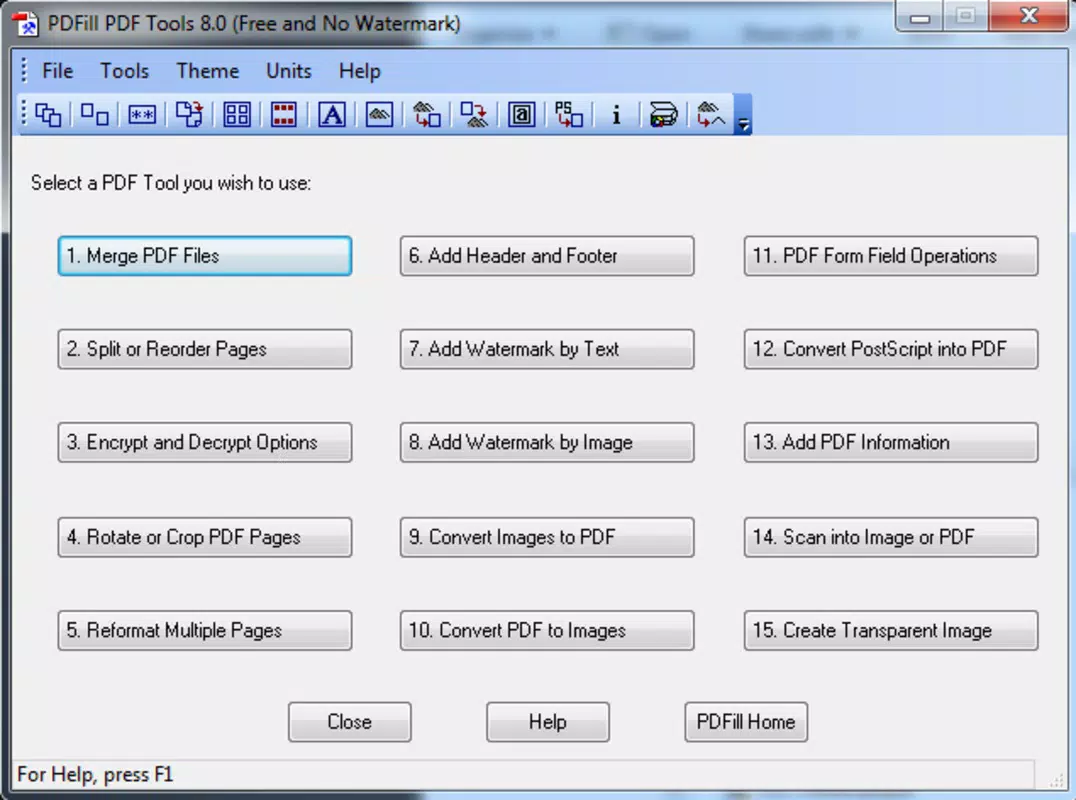
- Comprehensive set of PDF editing tools, including form creation, annotation, and text/image editing.
- Supports document scanning and conversion to editable PDFs, enhancing digital workflow integration.
- Lightweight file size (21.6 MB) ensures quick installation and low system impact.
- Intuitive interface suitable for both beginners and intermediate users.
Cons
- Platform is limited to Windows; no versions available for macOS, Linux, or mobile devices.
- Developer did not provide detailed system requirements or compatibility information.
- Version 11.0 was released in 2020, suggesting potential delays in updates or feature enhancements.
- Limited visual customization options compared to advanced desktop PDF editors.
- No cloud integration or real-time collaboration features were mentioned.
FAQ
Is PDFill PDF Editor safe to download and install?
Yes, the app is available as a free download from the official developer site. As with any software, it is recommended to download only from trusted sources to ensure security and avoid bundled third-party applications.
Can I use PDFill PDF Editor on my mobile device?
No, the app is currently only available for Windows desktop systems. There are no official versions for Android, iOS, or other mobile platforms.
Does PDFill PDF Editor support creating fillable forms?
Yes, the app includes robust tools for designing interactive forms with various input fields such as text boxes, checkboxes, and dropdown menus.
How do I update PDFill PDF Editor?
Users should check the official developer website for the latest version. Since the last update was in 2020, manual checks are recommended to ensure access to the most recent features and security patches.
Is there a cloud version or online access for PDFill?
There is no indication of cloud-based functionality or online access. All operations are performed locally on the user’s Windows device.
Final Thoughts
PDFill PDF Editor stands out as a capable, free solution for Windows users who need to create, edit, and manage PDF documents without the cost of premium software. Its blend of essential tools—text editing, image insertion, form creation, and annotation—makes it a valuable asset in both personal and professional settings. While the lack of mobile support and infrequent updates may be drawbacks for some, its lightweight design and ease of use offer significant advantages for users focused on core PDF functionality.
For educators, office staff, and small business operators, the app delivers strong value with minimal overhead. Its ability to convert scanned documents into editable formats and generate interactive forms adds practical utility to everyday tasks. Despite its age, the software remains functional and reliable for basic to intermediate PDF workflows.
Download PDFill PDF Editor now


